What is Quishing?
Quishing is a social engineering attack where cyber criminals exploit QR codes, which are two-dimensional barcodes that store data both horizontally and vertically. Through Quishing, these QR codes will direct victims to URLs which contain:
- Malicious websites containing files or malware
- Fraudulent webpages to gain access to your RCS Account credentials
- Devices becoming compromised by downloading malware or malicious files on your system
- Risk of identity theft by providing personally identifiable information (SSN, Date of Birth, etc.)
Unlike traditional Phishing, these malicious QR codes are able to bypass email security filters and could be sent anywhere including text messages, social media, restaurants or public venues, public transport, and UPS/Mail packages.
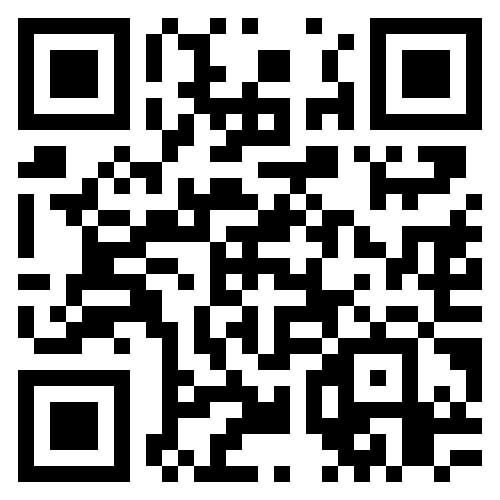
Please see below example of a QR code that will redirect to our IT Services and Support Center https://itssc.rpi.edu
Where and How do Quishing Attacks Occur?
Cyber Criminals have the ability to post malicious QR codes for a Quishing attack anywhere, however, they're most often found in high-traffic or high-trust environments to maximize their success rate.
- Scammers will utilize a free online webtool to generate their malicious QR code, which will link to their phishing website or malware-hosting domains.
- The QR code will then be distributed through various methods such as:
- Embedded within Phishing emails
- Fake invoices
- Public Posters
- Restaurant Menus
- Overlayed or replace legitimate QR codes
- Scammers will use a sense of urgency to pressure victims into scanning their malicious QR code such as account security alerts, claiming to be your multi-factor authentication (MFA), or parking meter/ticket scams.
- Once the malicious QR code is scanned, Cyber Criminals will then direct victims to spoofed login pages, credential harvesters, or malware downloads.
How to stay protected from Quishing Scams?
- Verify the QR code before you scan - Make sure that you're only scanning the code from a reputable source, especially if the code is requesting access to certain permissions on your mobile device to function properly.
- Look for physical signs of tampering - If the QR code looks possibly pixelated, out of alignment, is placed over another QR code, of if it looks suspicious, do not scan the code.
Inspect URLs before using them - All mobile devices (Apple and Android) allow you to inspect the URL with your phone's Camera application before you agree to navigate to the site. If the site is misspelled (ex. Micrsft.com), missing HTTPS encryption, shortened, or appears suspicious, do not scan the code.
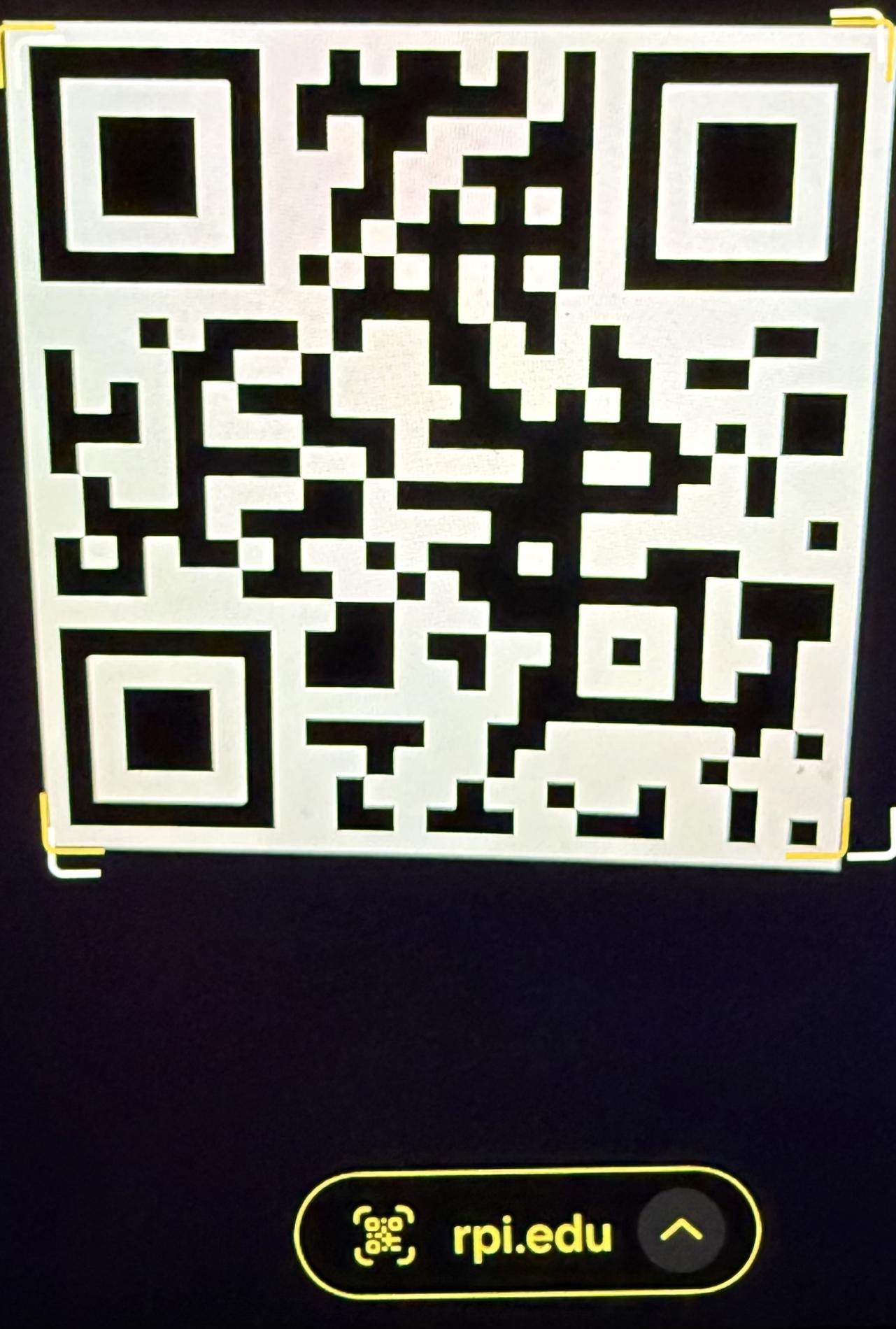
[Example of Android phone inspecting QR code URL]
- Unsolicited QR requests - If you're requested to scan a QR code with little context about what it's being used for, use extra caution. If you're unsure of the legitimacy, do not scan the code.
- Do not share personal information - Do not enter personal credentials or payment details after scanning a QR code unless the site's authenticity can be confirmed such as inspecting the URL. Do not share your RPI password with anyone.
How to Report Quishing Scams?
- If you suspect that you experienced a Quishing attempt and think your RCS Account is compromised, change your RCS password and any other accounts sharing your RCS password to something drastically different as soon as possible.
- You can change your RCS password by referencing this ITSSC article - Changing your RCS Account Password
- Submit a Support Request with the subject "Potential Quishing," and if possible, include a screenshot or photo of the QR code, any messages such as emails or texts from the Scammer, and any details about the website that you were directed to (Do not visit the website again).
- If other personally identifiable information or external account credentials were shared, report and monitor any financial accounts for suspicious activity.
- Report the incident to the Federal Trade Commission (FTC) - https://reportfraud.ftc.gov/ - This will assist the FTC with investigation and protection for other Quishing attacks nationwide.
Matthew Lewis
Information Security Analyst
https://dotCIO.rpi.edu/IT-Security